
How to Start a Cloud Kitchen in India: Licences, Setup and a Launch Checklist
Start a cloud kitchen in India in 2026: the licences you need, location, menu, packaging, pricing and a launch checklist.
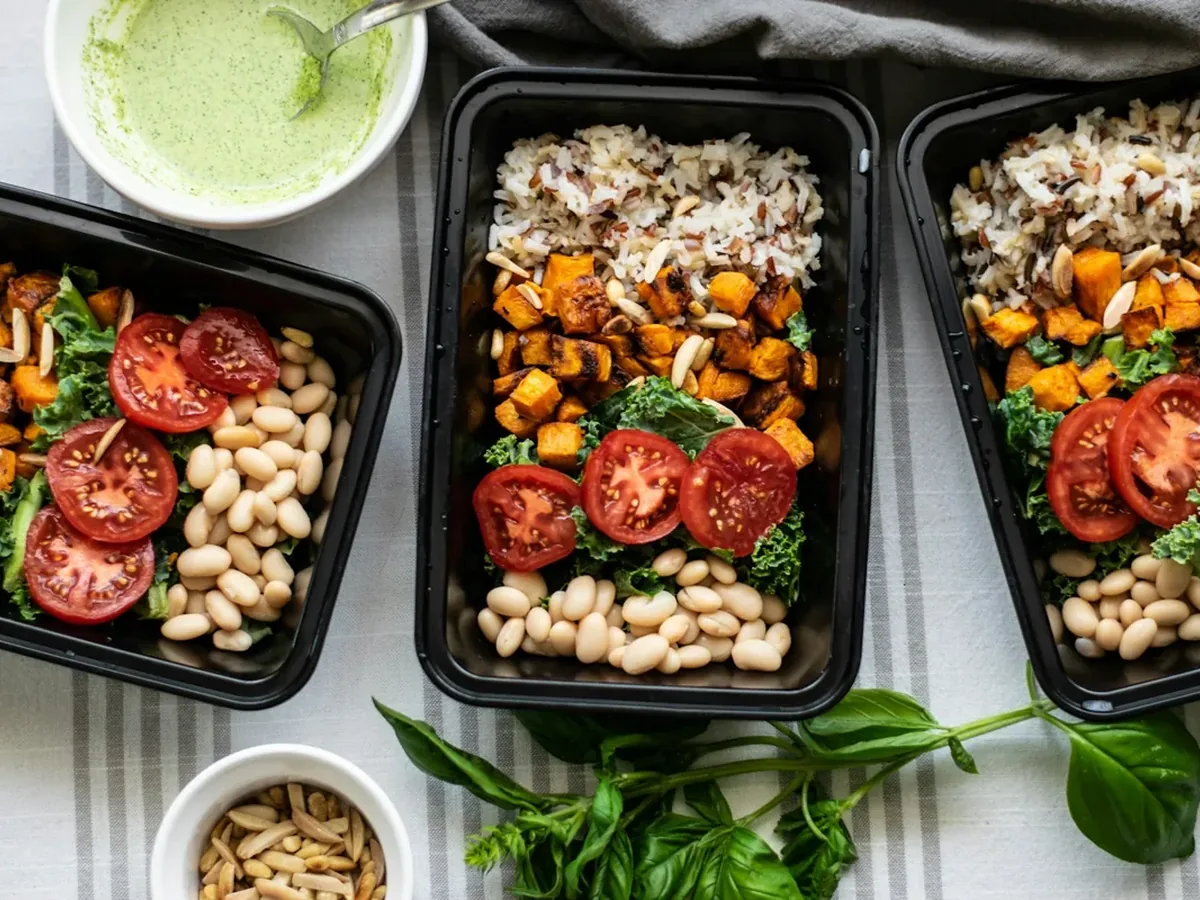
A cloud kitchen is a food business with a kitchen but no dining room. Every order leaves as delivery or takeaway, which means no table service, a smaller space, and much lower rent than a restaurant on a high street. It also means every guest finds you through a phone screen, so you live or die on your menu, your packaging and how many of those guests come back.
This guide walks through starting one in India, from the licences to the first hundred orders.
Step 1: Choose what you'll sell
Pick a concept narrow enough to be remembered: "Lucknowi biryani", "home-style Bengali thalis", "high-protein bowls". A short, focused menu is easier to cook consistently, needs less stock, and wastes less.
Then test every dish for one thing a restaurant menu never has to worry about: how it travels. Fried food goes soggy in a closed box, some gravies split, and bread hardens in twenty minutes. A dish that is excellent at the stove and disappointing after a 25-minute ride will earn you bad reviews. Cook it, pack it, wait the length of a typical delivery, and eat it before it goes on the menu.
A first menu of 12 to 20 dishes is plenty. You can add more once you know what sells.
Step 2: Get your licences and registrations
These are the ones almost every cloud kitchen needs:
| What | Who issues it | When you need it |
|---|---|---|
| FSSAI registration or licence | Food Safety and Standards Authority of India, through the FoSCoS portal | Before you sell any food |
| GST registration | GST portal | When turnover crosses ₹20 lakh a year, or earlier if a delivery app requires it4 |
| Trade or health licence | Your municipal corporation | Before you start, in most cities |
| Shop and establishment registration | Your state's labour department | In most states, once you have staff or premises |
| Fire safety NOC | Local fire department | Depends on your state, building and kitchen size |
FSSAI: from 1 April 2026, food businesses with a turnover of up to ₹1.5 crore a year need basic FSSAI registration, a state licence covers ₹1.5 crore to ₹50 crore, and a central licence is needed above that.12 The limits used to be much lower (₹12 lakh for basic registration), and many older guides still quote them, so go by what the FoSCoS portal says when you apply.5 Your FSSAI number must be shown on your menu, your bills and your listings.
A business above the limit needs a state licence; above ₹50 crore, a central licence. · Source: IRIS MSME, March 2026 (opens in a new tab)
GST: food supplied by a cloud kitchen is taxed at 5% without input tax credit.3 Our guide to GST on restaurant bills explains how to charge it and what your bills must show.
Step 3: Pick a location for delivery, not for footfall
A cloud kitchen doesn't need a shopfront, but it does need to be close to the people who will order. Most delivery is within a few kilometres, so map where your likely customers live and work: offices for lunch, residential areas for dinner, colleges for late-night orders.
Check three things before you sign the lease:
- Riders can reach the door and park easily; a kitchen on the third floor with no lift slows every pickup.
- The space has proper ventilation, drainage and the electrical load your equipment needs.
- The building allows commercial cooking, so your trade licence and fire NOC aren't refused later.
Step 4: Set up the kitchen
Plan the layout around the order's path: storage, prep, cooking, packing, handover. The packing station deserves more space than people expect, because that is where the wrong item or the missing raita happens.
Basic equipment for most menus:
- Burners or a commercial range, and an exhaust hood
- Refrigeration: an under-counter fridge or a reach-in, and a deep freezer
- Prep tables, preferably steel
- Storage racks and food-grade containers
- A thermal printer for kitchen tickets and bills, or a tablet for a kitchen screen
- A weighing scale for consistent portions
Buy only what your menu needs. It is easier to add a second tandoor later than to sell one you never used.
Step 5: Choose your packaging
Packaging is the only part of your brand most guests ever touch. It should keep food at the right temperature, not leak, and keep wet and dry items apart. Tamper-evident seals build trust. Print or sticker your name on every bag, along with a QR code for your own ordering link, because that is how a guest who found you on an app can order from you directly next time.
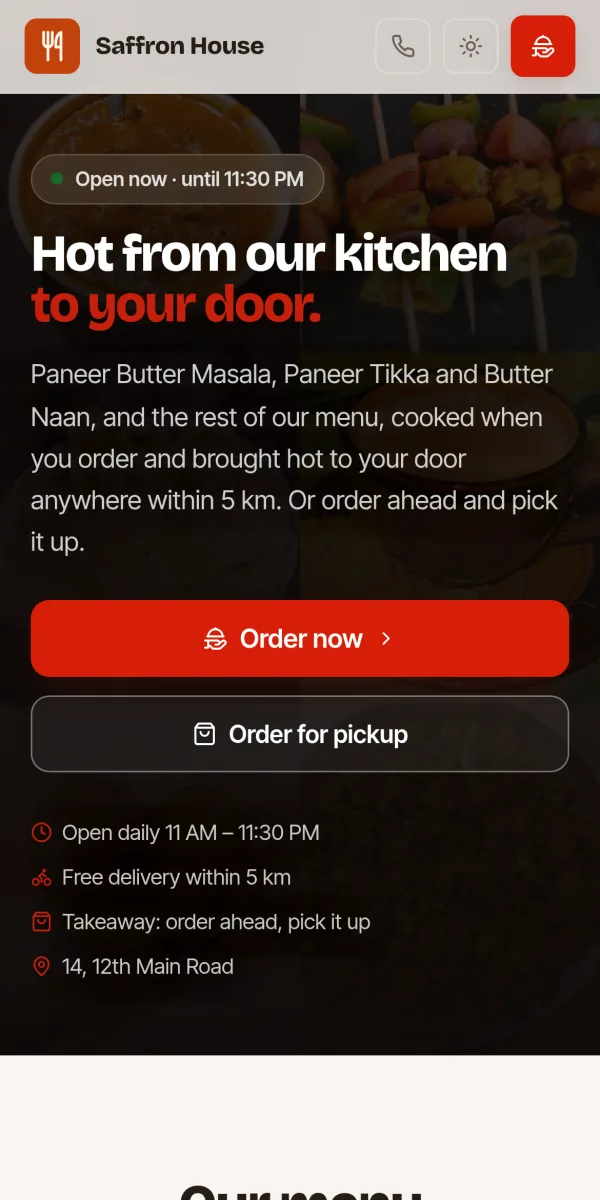
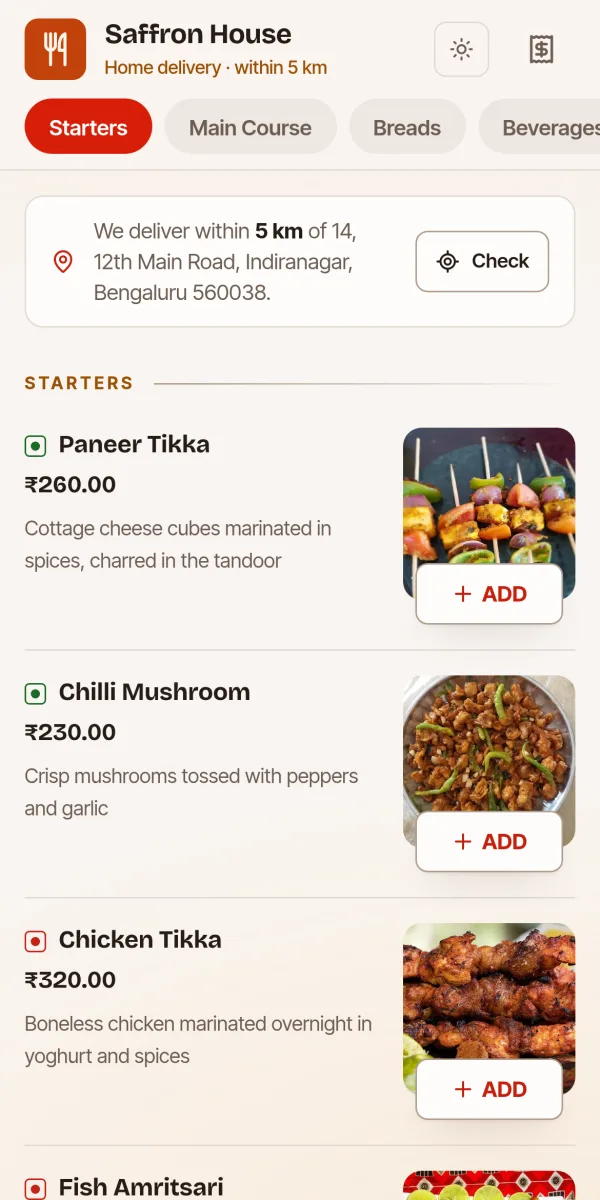
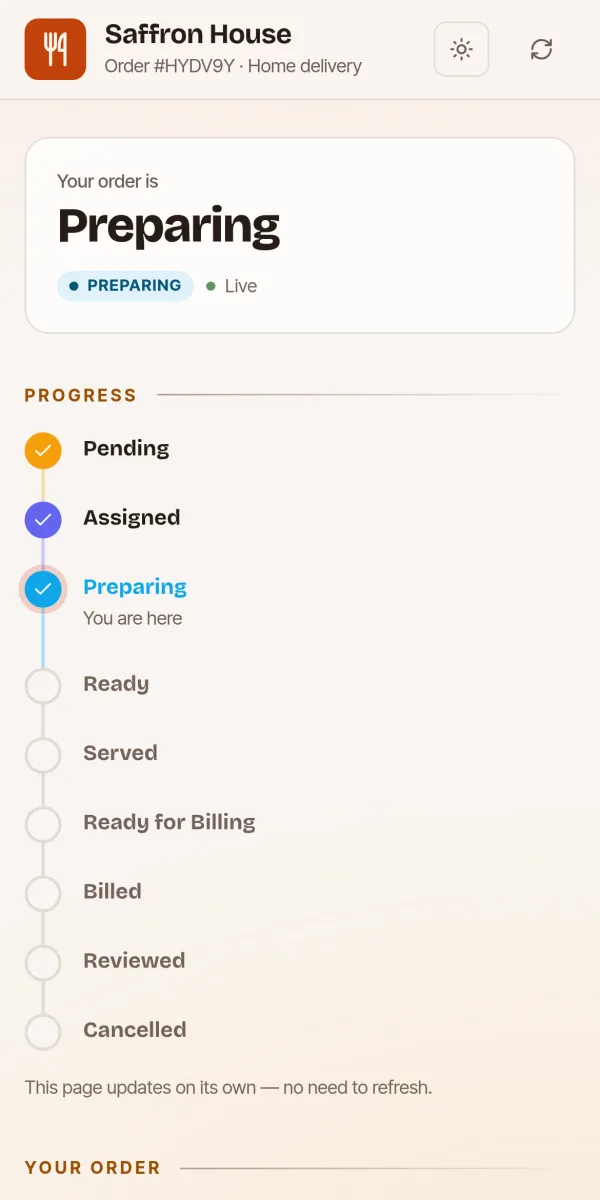
All three screens are from Dineto, on a sample restaurant.
Step 6: Price your menu
Start from your costs. For each dish, add up the ingredients for one portion and the packaging, then set a price that keeps that cost to a sensible share of the selling price. Many kitchens aim for food and packaging costs of around 30% to 35% of the price, but it depends on your cuisine and volumes.
Here is how that works for one dish, using made-up but typical numbers:
An example, not a benchmark: food and packaging are ₹99, or 33% of the ₹300 price. The 5% GST (₹15) is added to the guest's bill on top, so it doesn't come out of the ₹300.
Then account for what each channel costs you:
- Delivery apps take a commission on every order, and often charge for ads and discounts as well. Check the current rates in your agreement.
- Direct orders on your own link cost you nothing per order beyond payment charges and delivery, and you keep the guest's phone number.
The difference between those two is where much of a cloud kitchen's profit lives. Our guide to getting customers to order directly shows how to move regulars from one to the other.
Step 7: Go live
Most new cloud kitchens list on the food delivery apps to be found, and set up their own ordering link for repeat guests at the same time. Before your first day:
- Photograph every dish in good light, on the packaging guests will actually receive.
- Write short, specific dish descriptions: portion size, spice level, what comes with it.
- Set your opening hours and delivery area, and test an order end to end.
- Do a soft launch with friends, neighbours and nearby offices, and ask for honest feedback.
Step 8: Run the kitchen on numbers
From the first week, track:
- Orders per day, and which hours are busiest
- Average order value
- Your best and worst-selling dishes
- Food cost as a share of sales
- How many orders come from repeat guests
- Average time from order to dispatch
Cut dishes that rarely sell, staff the peak hours properly, and keep a close eye on repeat orders. A cloud kitchen with loyal regulars ordering directly is a far stronger business than one that depends on paid visibility on an app.
Launch checklist
- FSSAI registration or licence, displayed on menus and bills
- GST registration if your turnover or the apps require it
- Trade licence, shop and establishment registration, and fire NOC where needed
- A tested, travel-proof menu of 12 to 20 dishes
- Packaging with your name and an ordering QR code
- A way to receive orders, print or show kitchen tickets, and make GST bills
- Your own ordering link, ready to share
- Opening hours, delivery area and delivery charges decided
Running it with Dineto
Dineto's cloud kitchen software is built for delivery-only kitchens: your own ordering link with 0% commission, a delivery area and charges you set, numbered KOTs on a kitchen screen or thermal printer, GST bills with a UPI QR, and a customer list you can send offers to. Sign up as a cloud kitchen and the table and dine-in screens are left out.
Sources
We check every figure in this guide against these sources. Rules change, so the date of each is given.
- FSSAI turnover limits revised from 1 April 2026 (opens in a new tab)IRIS MSME, March 2026 · irismsme.com
- FSSAI registration validity and the revised limits (opens in a new tab)Tally Solutions · tallysolutions.com
- GST rate on restaurant services: 5% without ITC, decisions of the 23rd GST Council meeting (opens in a new tab)GST Council, November 2017 (reproduced by TaxGuru) · taxguru.in
- GST registration: Sections 22 to 28 of the CGST Act (opens in a new tab)TaxGuru · taxguru.in
- FoSCoS: FSSAI's online licensing and registration portal (opens in a new tab)Food Safety and Standards Authority of India · foscos.fssai.gov.in